
Streamlining Agency Client Reports: Enhancing Security with Notion
Discover how to streamline agency client reports while enhancing security using Notion's capabilities in this comprehensive guide.
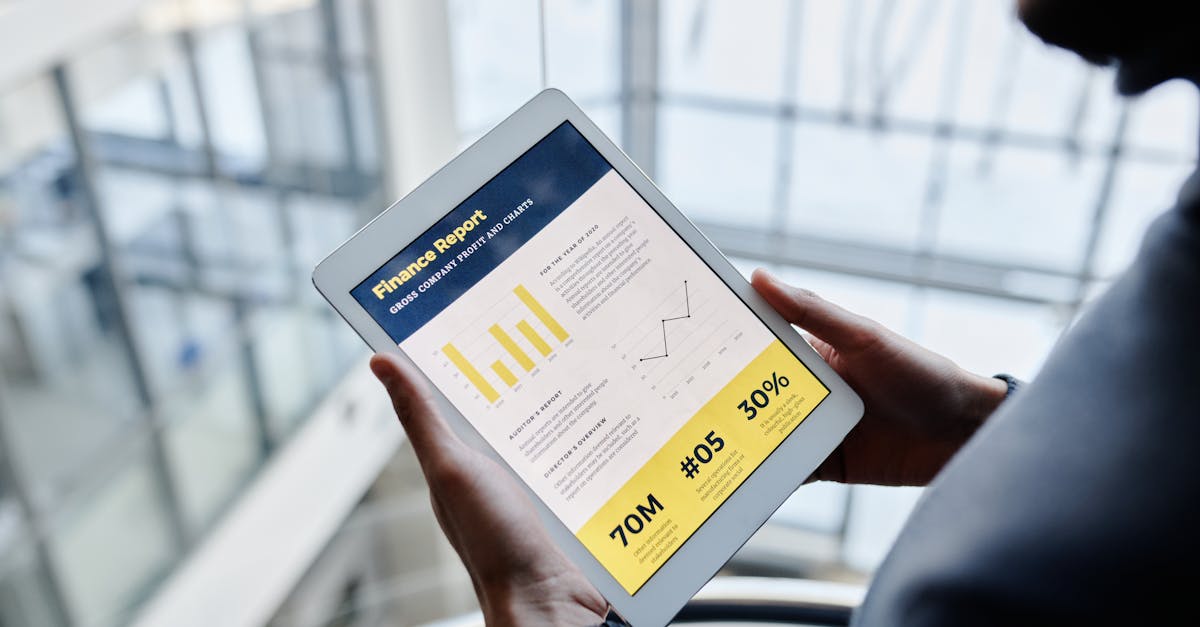
Table of Contents
Introduction
Managing client reports effectively is critical for agencies looking to maintain transparency and trust with their clients. With digital tools becoming more prevalent, Notion has emerged as a versatile platform for organizing client data and reports.
Notion Capabilities for Agencies
One of the standout features of Notion is its flexibility in organizing information. Agencies can create custom databases, templates, and dashboards to manage client projects and reports efficiently.

Addressing Security Challenges
As with any platform handling sensitive client data, security is a paramount concern. Notion offers several built-in security features, but agencies can enhance security through additional best practices.
Best Practices in Notion Security
- Regularly update access permissions to ensure only authorized personnel can view client data.
- Utilize workspace encryption to protect data in transit and at rest.
- Implement strong password policies and two-factor authentication for additional security layers.
Conclusion
Notion is a powerful tool for agencies managing client reports; however, ensuring data security requires diligence. By applying the security best practices outlined, agencies can safeguard client information while enjoying the organizational benefits of Notion.
Ready to Create Secure Client Portals?
Join the waitlist to be among the first to experience FilterGate.